FontAwesomeKit.Swift alternatives and similar libraries
Based on the "Font" category.
Alternatively, view FontAwesomeKit.Swift alternatives based on common mentions on social networks and blogs.
-
Swicon
Use 1600+ icons (and more!) from FontAwesome and Google Material Icons in your swift/iOS project in an easy and space-efficient way!
WorkOS - The modern identity platform for B2B SaaS

* Code Quality Rankings and insights are calculated and provided by Lumnify.
They vary from L1 to L5 with "L5" being the highest.
Do you think we are missing an alternative of FontAwesomeKit.Swift or a related project?

|
InfluxDB - Power Real-Time Data Analytics at Scale
sponsored
www.influxdata.com
|
Popular Comparisons
-
FontAwesomeKit.SwiftvsSwiftIcons
-
FontAwesomeKit.SwiftvsOcticonsKit
-
FontAwesomeKit.SwiftvsSwicon
-
FontAwesomeKit.SwiftvsIoniconsKit
-
FontAwesomeKit.SwiftvsUIFontComplete

|
SaaSHub - Software Alternatives and Reviews
sponsored
www.saashub.com
|
README
FontAwesomeKit.Swift
😀😘A better choice for iOS Developer to use FontAwesome Icon with UI.😍


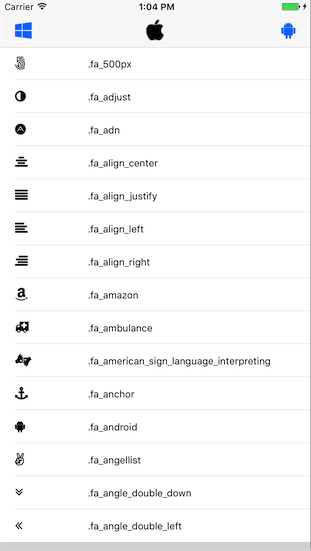
Support
Swift 4.2 & iOS 8.0+
FontAwesome 4.7.0
Storyboard supported.
Installation
CocoaPods
- add
pod 'FontAwesomeKit.Swift'to your Podfile. - Run
pod installORpod update. import FontAwesomeKit_Swift
Manually
- Download the full file.
- Drag the FontAwesomeKit folder to your project.
Example
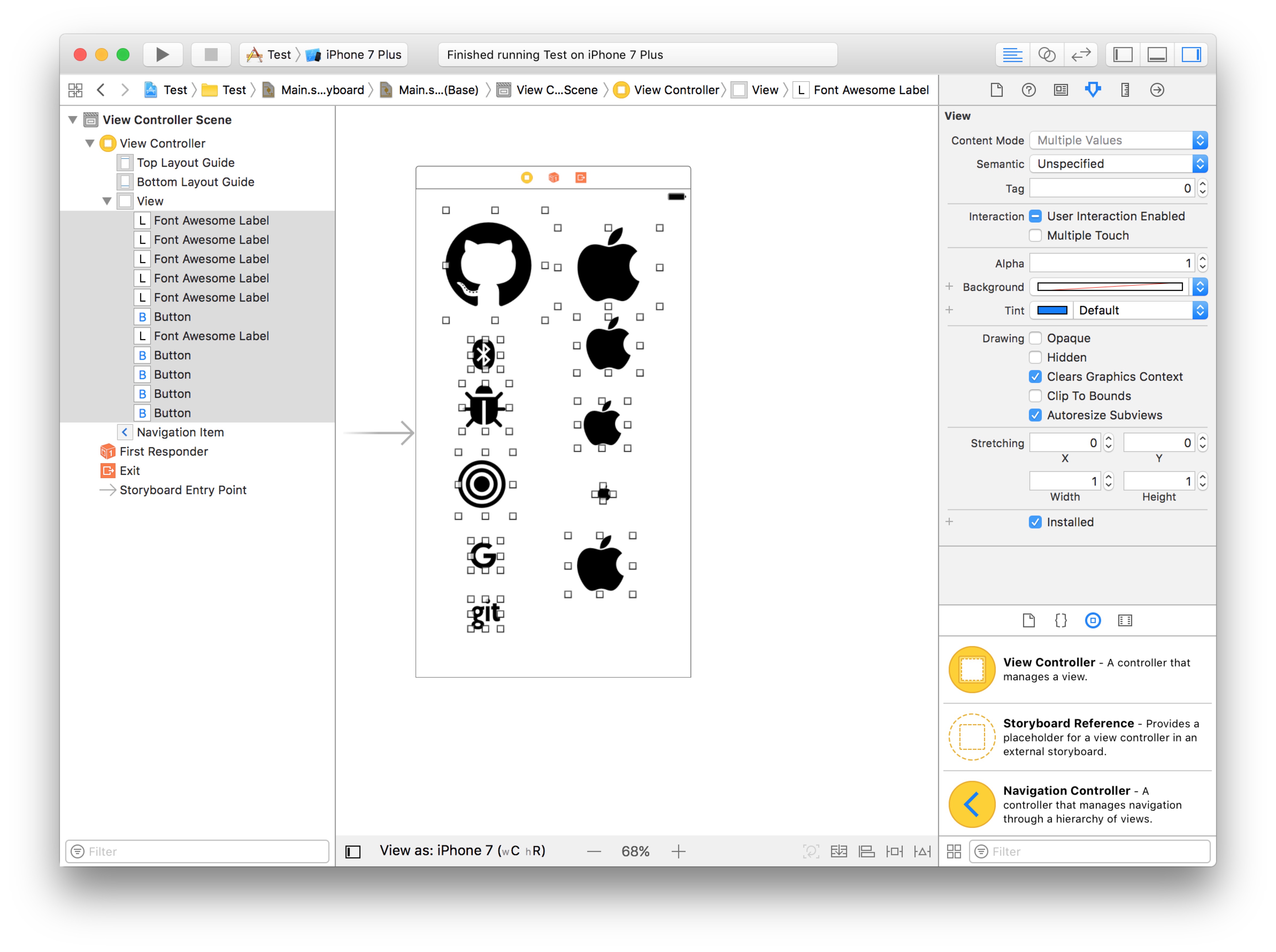
Use FontAwesomeKit.Swift in Storyboard.
- Set Custom class to
FontAwesomeButtonorFontAwesomeLabel - Set unicode string in Attributes inspector for
FontAwesomeLabelor setnormal,highlighted,selected,disabledunicode string forFontAwesomeButton, such asf107or0xf107
// All awesome unicode --> http://fontawesome.io/cheatsheet/
Use FontAwesomeKit.Swift with String.
let str1 = String.fontAwesome(undefined: 0xf107)
let str2 = String.fontAwesome(awesomeType: .github)
let attrs = [NSFontAttributeName: UIFont(fontSize: 32)]
let attrStr1 = NSAttributedString(string: str1)
let attrStr2 = NSAttributedString(string: str2)
The attrStr1 will get icon.  The attrStr2 will get icon.
Use FontAwesomeKit.Swift with UILabel.
let label = UILabel()
label.text = .apple
label.font = UIFont(fontSize: 100)
/// text : FontAwesomeType.
Use FontAwesomeKit.Swift with UIButton.
let button = UIButton(type: .custom)
button.setTitle(.gift, for: .normal)
/// type : The fontAwesome type, and you don’t need to ‘setImage’ or ‘setBackgroundImage’
/// state : The state that uses the specified title. The possible values are described in UIControlState.
button.titleLabel?.font = UIFont(fontSize: 50)
Use FontAwesomeKit.Swift with UIImage.
let image1 = UIImage(awesomeType: .github)
/// fontSize : The fontSize you can give, default is 80.
/// tintColor : The UIImage filled color you get, default is UIColor.lightGray.
let image2 = UIImage(awesomeType: .github, size: 30.0, color: UIColor.black)
Use FontAwesomeKit.Swift with UINavigationBarItem.
let rightItem = UIBarButtonItem(awesomeType: .github, style: .plain, target: nil, action: nil)
let leftItem = UIBarButtonItem(awesomeType: .github, size: 24, style: .plain, target: nil, action: nil)
/// fontSize : The font size, default is ‘24.0’
/// awesomeType : FontAwsomeType
LICENCE
Under MIT License
Thanks
- The FontAwesome Unicode list. From fontawesome.io
- The Lastest(version4.7.0) FontAwesome.otf bundle
*Note that all licence references and agreements mentioned in the FontAwesomeKit.Swift README section above
are relevant to that project's source code only.